Benchmarking your DNS is of interest to those who wonder if Zero Trust deployment will have a negative performance impact on your network’s DNS performance. To test your own environment, follow these steps or watch the video at the end to see it demonstrated.
Part 1 - Prepare your Gateway
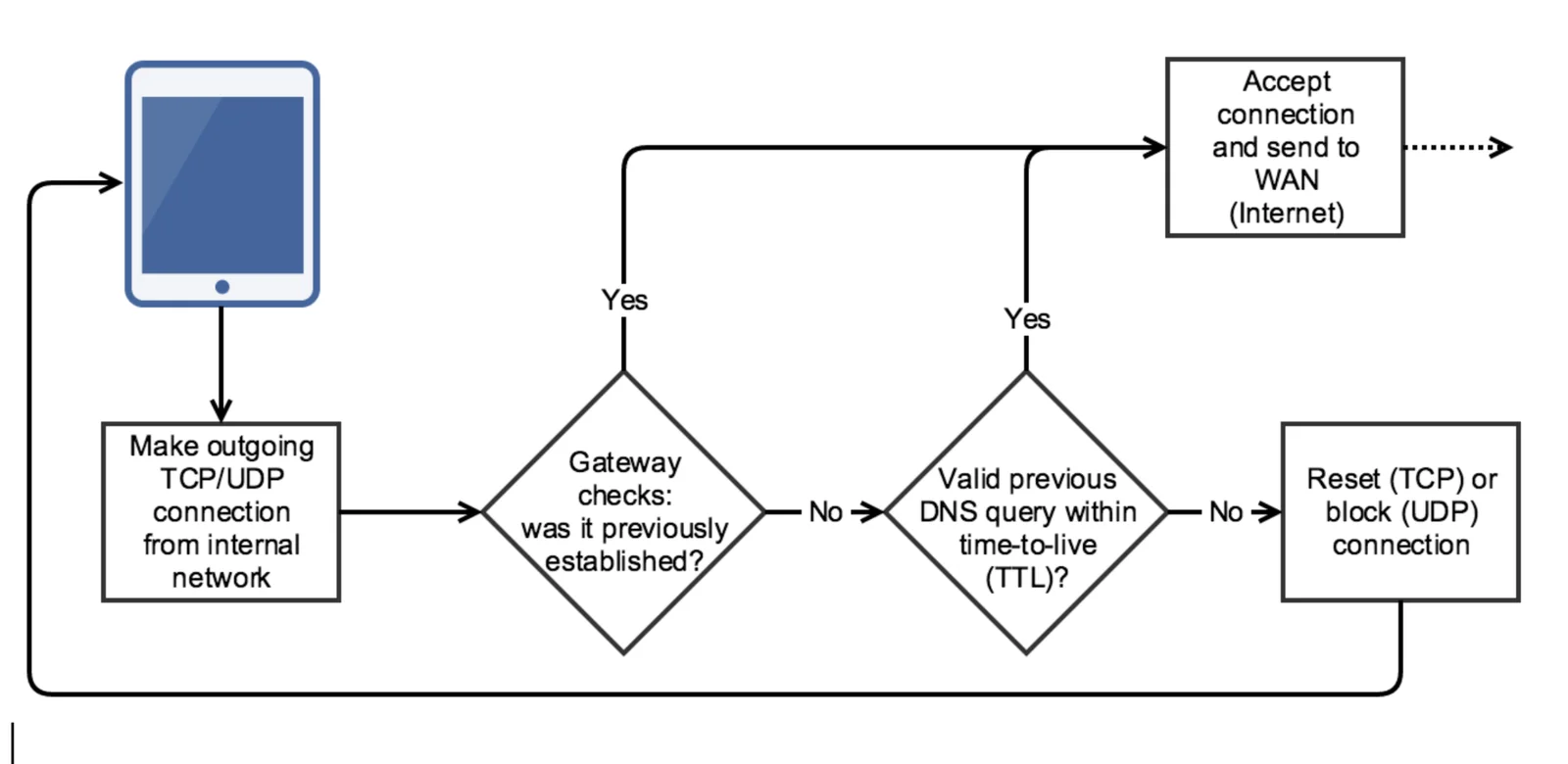
In order for the gateway to allow a LAN-based device to run a benchmark from a user’s point of view, your gateway will need to allow some access. With DTTS® enabled, no IP is directly reachable, and furthermore, if you’re using LAN-based NAT rules to re-direct UDP/TCP port 53 for the purposes of enforcing local DNS, then some provisions need to be made as follows:
- Turn off the force DNS to adam:ONE® rules in Firewall → NAT → Port Forwarding
- Temporarily create a rule at the TOP on the LAN interface where you’re running a benchmark to allow TCP/UDP traffic to destination port 53 to any destination (don’t forget to turn it off or remove it later)
Part 2 - Prepare your Computer
- Use a Windows computer that runs as lean as possible (no unnecessary applications or services running)
- Download
DNSBench.exefrom GRC’s | DNS Nameserver Performance Benchmark
Part 3 - Run the benchmark
We recommend you manually remove the pre-populated list of name servers and add only these:
- Your gateway (running adam:ONE® in this case)
- Your ISP-provided DNS servers
- Various anycast-powered DNS servers like the common quads (1.1.1.1,8.8.8.8,9.9.9.9)
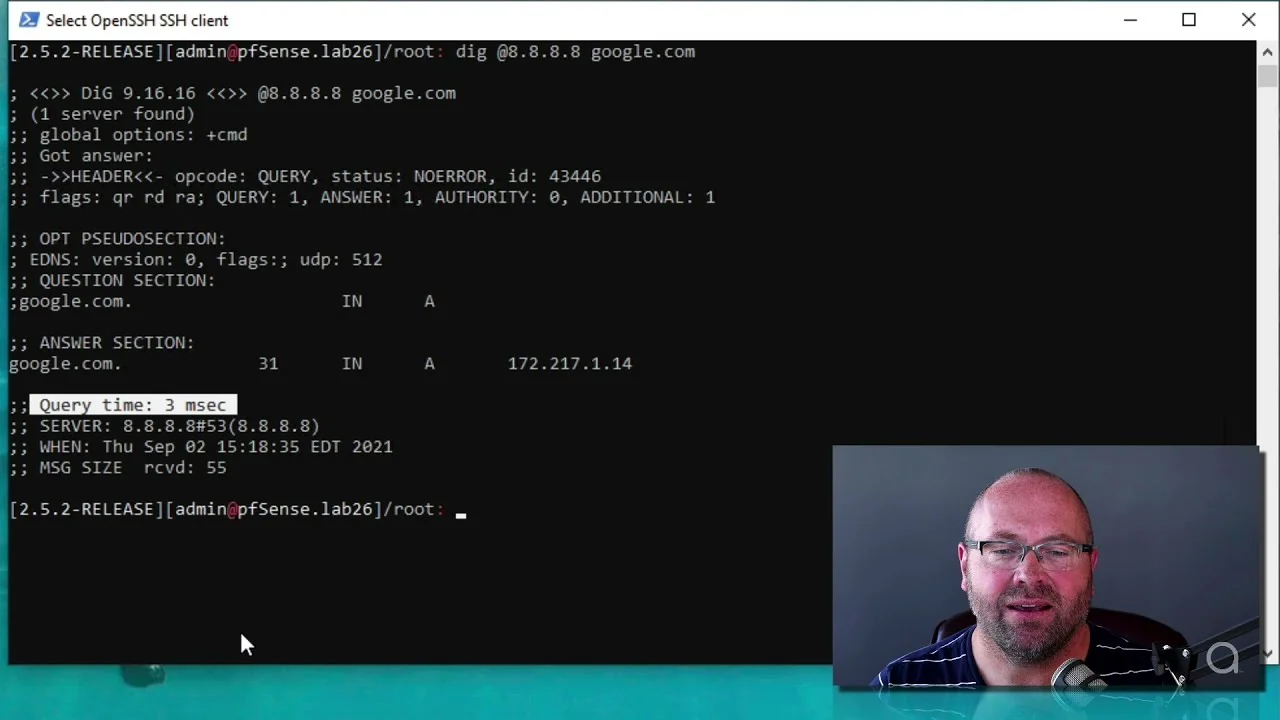
Video walk-thru below on pfSense® 2.5.2 with adam:ONE® version 4.7.4:
Watch: Benchmarking DNS with adam:ONE®
A note on resolver mode
A member of our team pointed out that the default resolver operates in recursive mode, going directly to root servers, which never function as fast as ISP DNS servers. An alternative approach to benchmarking unbound is to set it as a forwarder and use your ISP settings. It will likely improve the unbound performance. We thought it was a worthwhile comment considering that we had no intention to “stage” the benchmark unfairly.